Stay organized as your list grows
You can search your accounts by name or issuer, sort them into categories, choose an icon for each one, and reorder the list by hand. All of it is free, on both iOS and Android.
Search
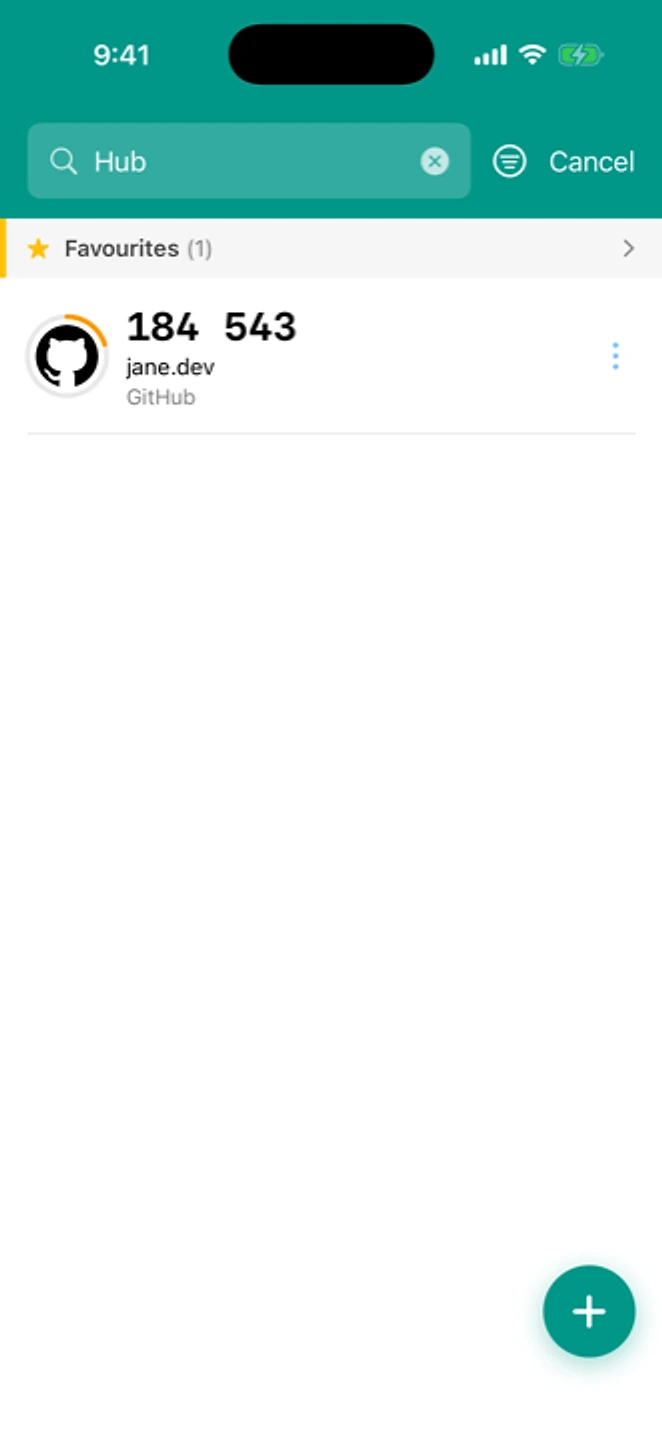
Type a few letters of an account or issuer name and the list narrows as you go.
Categories
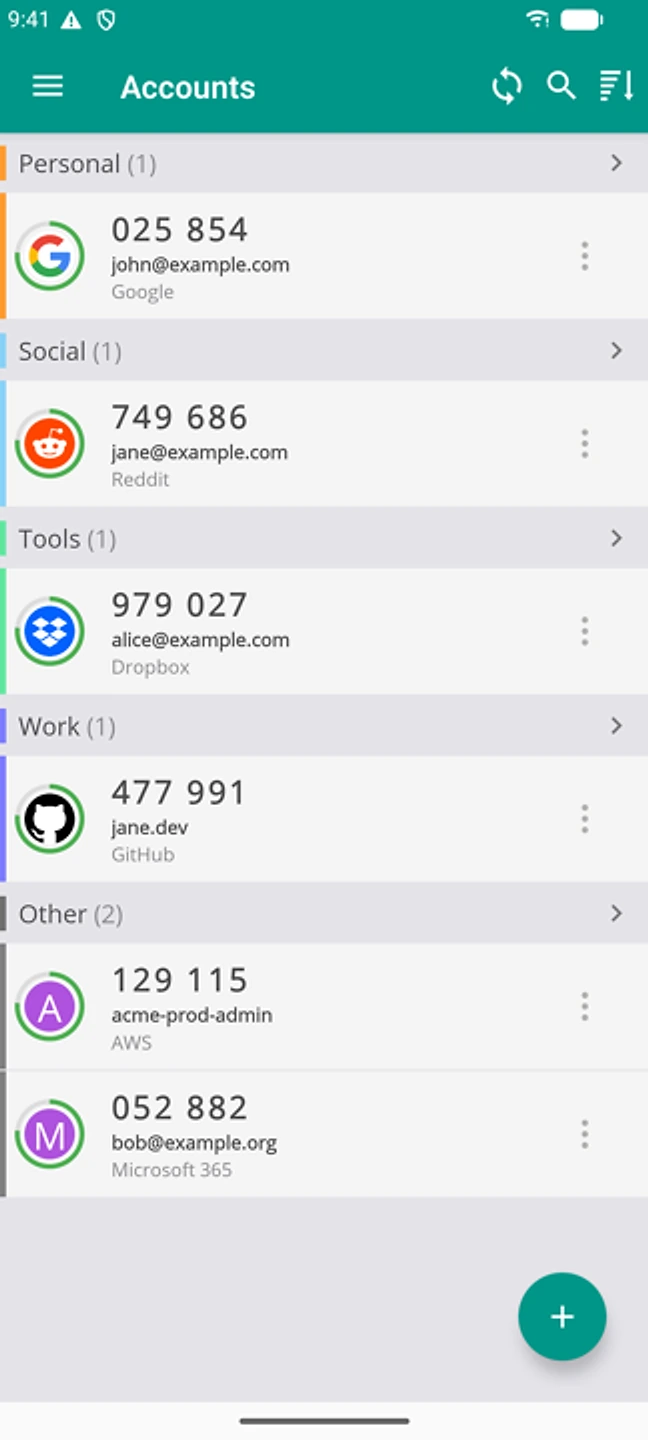
Sort accounts into categories (Work, Personal, Finance, Favourites, and a few others) so a long list stays readable. The set is fixed, so you can't create your own tags.
Icons
Most accounts get a recognizable icon automatically. You can also pick a different one from the built-in set, or use your own photo as a custom icon.
Reorder
Drag an account to move it within a category, or up to the top of your favourites.
What's free
Search, categories, icons, and reordering are part of the free app on every platform. See what's free and what isn't →