Switch from Google Authenticator
Move from Google Authenticator to TOTP Authenticator
Takes about 2 minutes · You won't lose access to anything
To switch from Google Authenticator to TOTP Authenticator, open Google Authenticator's built-in transfer tool. It makes a QR code that holds all your accounts. Scan that QR in TOTP Authenticator's Add screen and every account imports in one step. Google Authenticator stays installed and untouched, so you can check codes side by side first.
Steps
-
Export from Google Authenticator
In Google Authenticator, go to Settings → Transfer accounts → Export accounts. A QR code appears on screen. With a lot of accounts, Google may split the export across more than one QR.
-
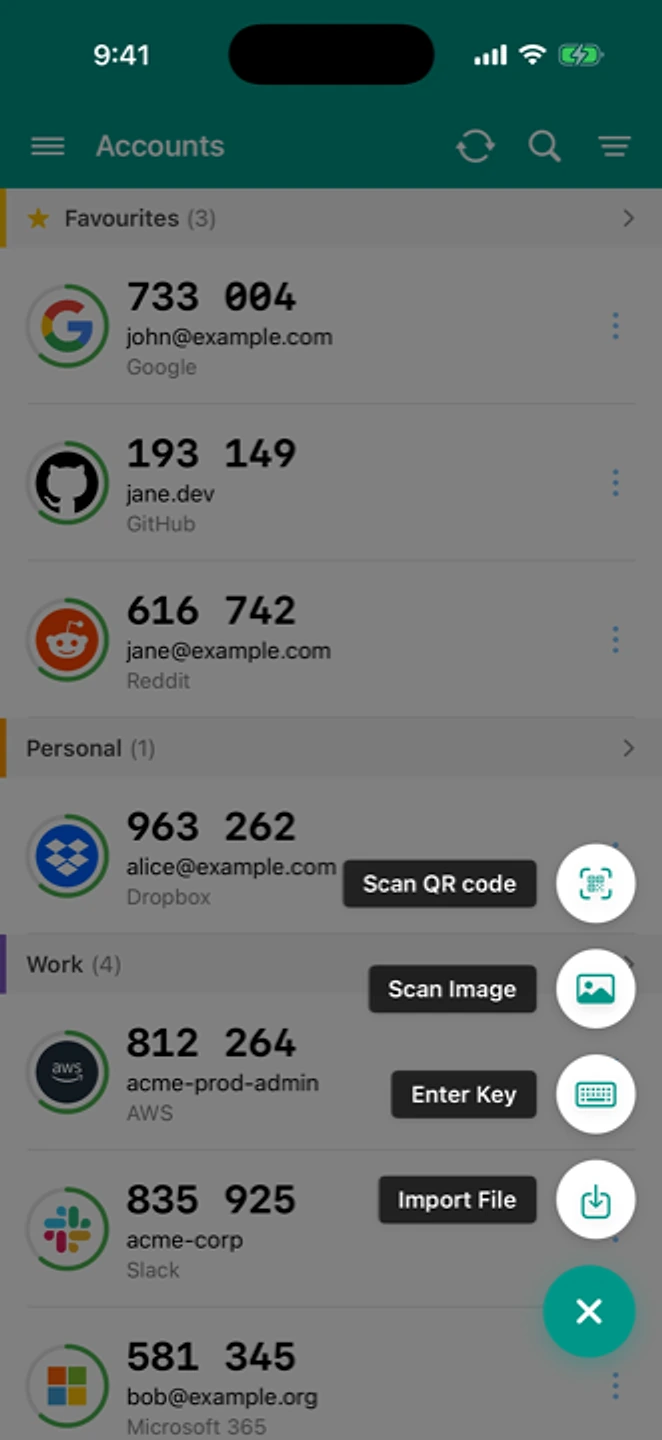
Scan the export QR
In TOTP Authenticator: Add → Scan QR. The otpauth-migration:// QR imports every account in one step. If Google split the export into more than one QR, scan each in turn.
-
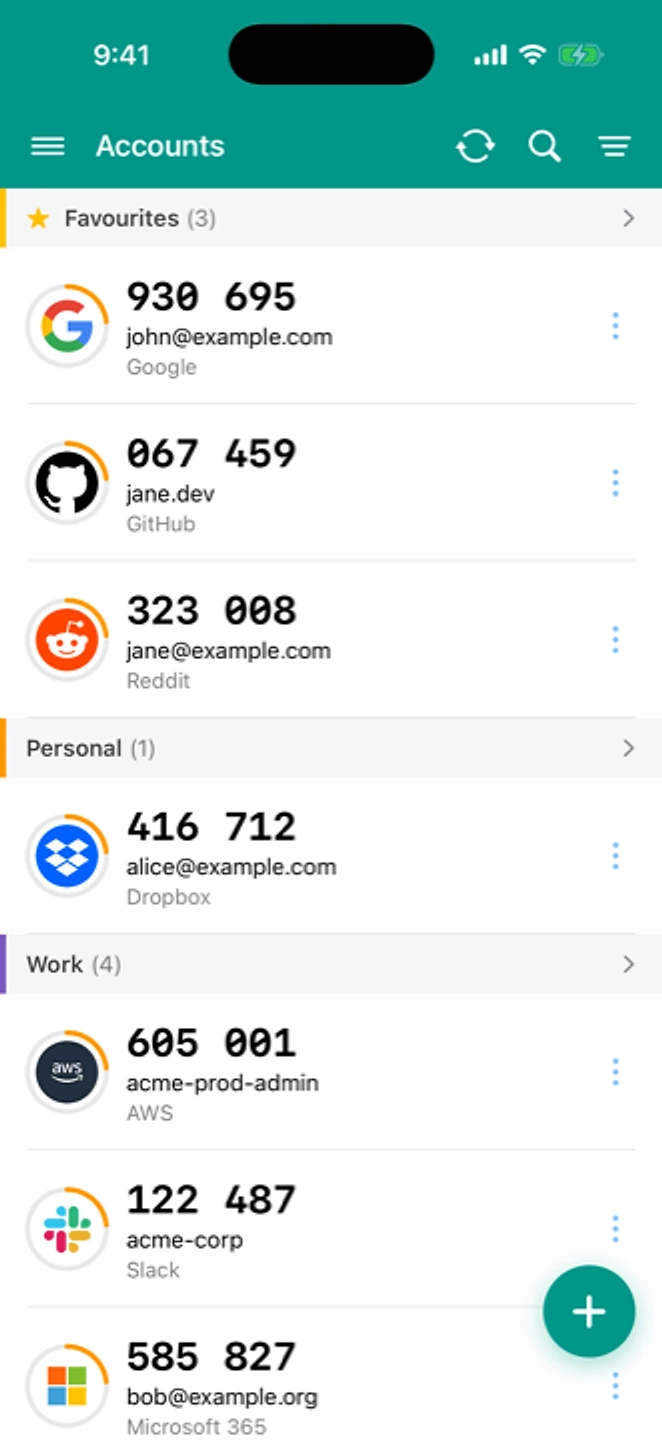
Check every code before deleting
Compare a few codes side-by-side against Google Authenticator. Only remove accounts from Google Authenticator once you've confirmed the matching code in TOTP Authenticator.
If something went wrong
"QR code won’t scan"
Make sure the whole QR code is visible and in focus, and turn your screen brightness up. If Google Authenticator split the export across several QR codes, scan each one. They don't repeat, so check you've got them all.
"Some accounts didn’t import"
Add the missing ones individually: open the account in Google Authenticator, use “Show key” if it's offered, or set the account up fresh in TOTP Authenticator with manual entry.
"Codes are rejected after importing"
This is almost always clock drift on the phone, not a bad import. See how to fix clock drift
Something still not right? Contact us. The form already knows your app version and OS.
What's different here
Google Authenticator has account sync now, and we're not going to pretend otherwise. What you get here instead: accounts you can sort into groups, a browser extension that shows your codes without unlocking your phone, and an export you can take to any other app whenever you want it.