Moving to a new phone
Moving your accounts is free. If you still have your old phone, restore a backup file or move accounts one at a time by QR. If you only have a backup, restore it on the new phone. If you have neither, we cannot recover your codes. You're still not stuck, and the steps for each case are below.
I still have my old phone
There are three routes. Two of them are free, so try those first.
1 · Offline backup file
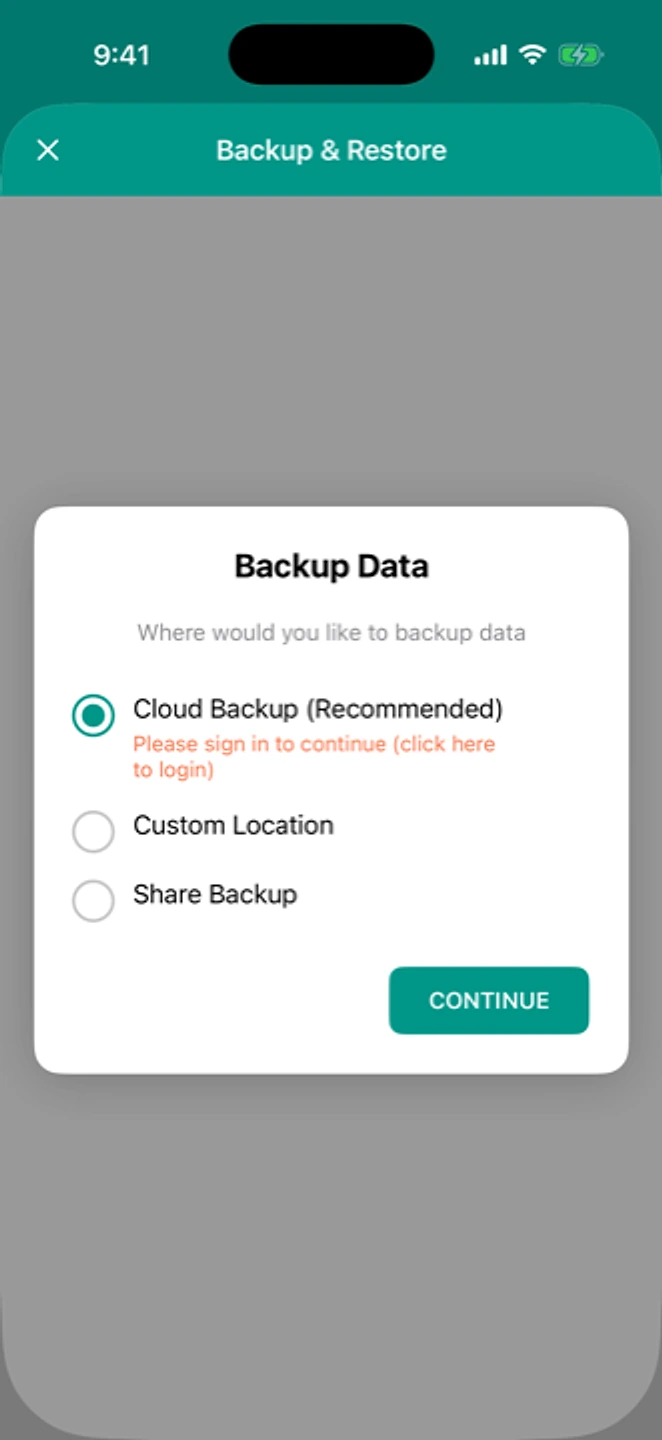
Back up on the old phone, restore on the new one. Start here.
2 · QR, account by account
Show each account's QR on the old phone, scan it on the new one. Manual, with nothing to buy.
3 · Cloud Sync
Automatic sync across your devices. A convenience, not a necessity. See pricing →
Route 1: offline backup file
- Old phone: Settings → Backup → create an offline backup, then "Share Backup" to send it somewhere you can reach from the new phone.
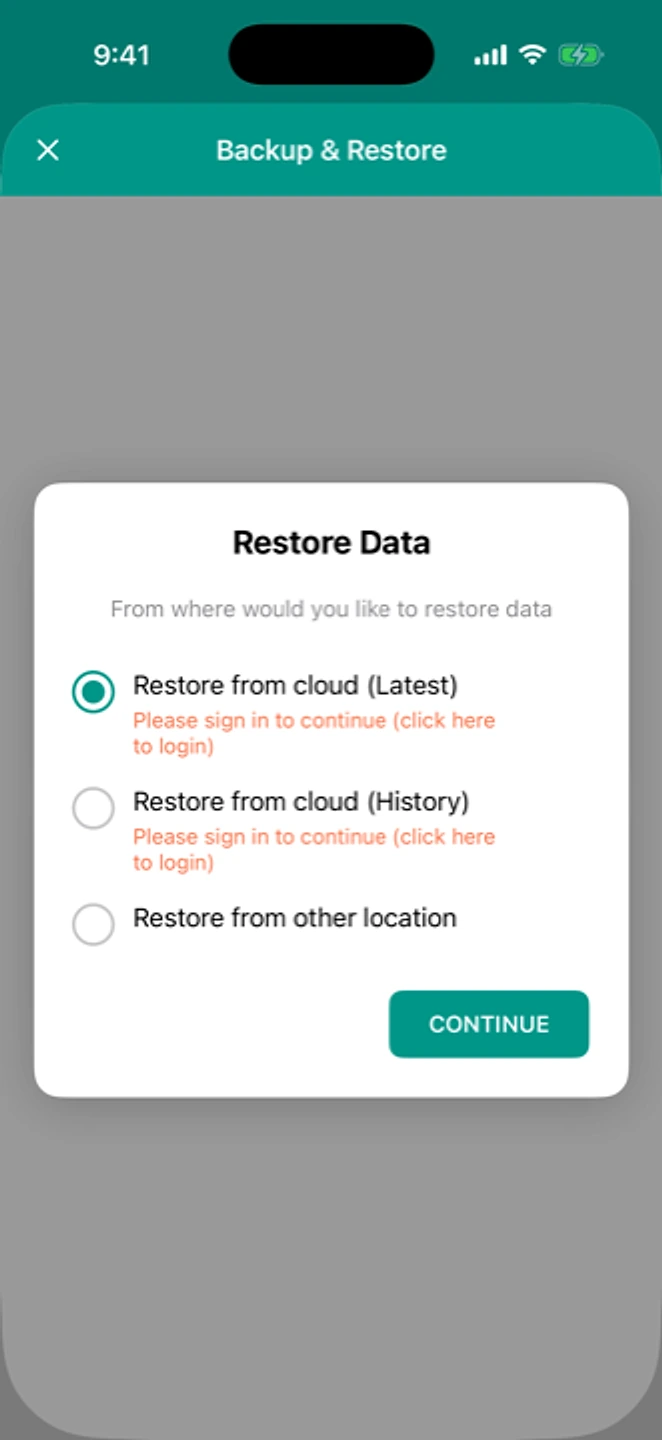
- New phone: install the app → Restore → select the file.
- Verify every account's code matches before removing the app from the old phone.
Route 2: QR, account by account
- New phone: install the app.
- Old phone: open an account, show its QR.
- New phone: Add → Scan QR, and scan it. Repeat for each account.
Route 3: Cloud Sync (paid)
A one-time purchase, per platform, that syncs your accounts to your own iCloud (iOS) or Google Drive (Android) account automatically, so you don't need to make a manual backup each time. It's a convenience on top of the free routes above, not a requirement. See /pricing.
I have a backup, but no old phone
- Install the app on the new phone.
- Open Restore, then pick your backup file: wherever Share Backup sent it, a custom location, or Downloads.
- Verify every code before relying on it.
The Android default-location warning above applies here too. If your backup was saved to the default location and the old app has already been uninstalled, that file no longer exists.
I have neither: read this first
Without a backup file, Cloud Sync, or your old phone, we cannot recover your codes. Nobody at this company can. Here is what you can still do, ordered by what people actually lose:
- Email: recover this first, because most other resets go through it.
- Banking: contact your bank's support directly for a 2FA reset.
- Exchanges (crypto, trading): contact support early, because verification can take longer.
- Work / SSO: your IT or security team can usually reset this for you.
Full guidance for each: lost my phone, no backup.
Related: Backup and restore · Android to iPhone · Pricing