Your 2FA codes, on every device you own
Codes are generated on your device and work offline. Backups stay in your hands: saved to your device or your own cloud, never on our servers.
~4 million installs · 8 years · iOS · Android · Chrome · Firefox
What's free, before you install
What you get
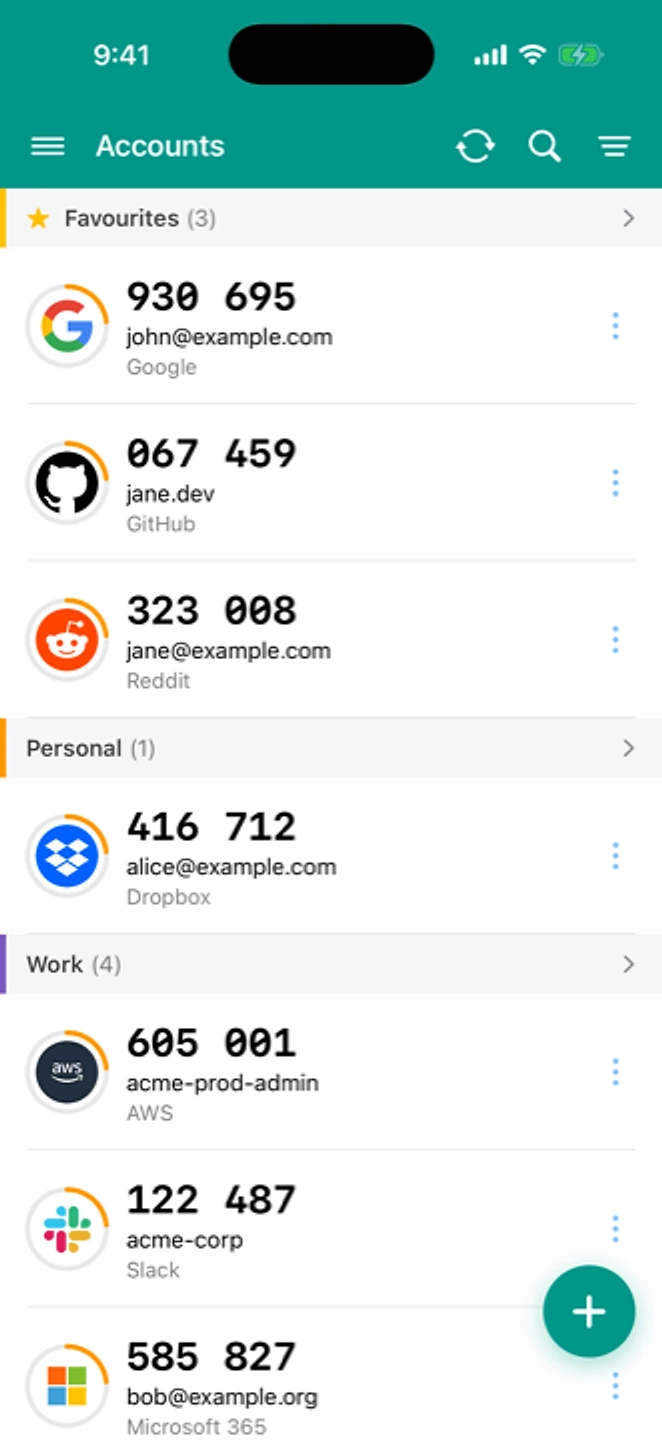

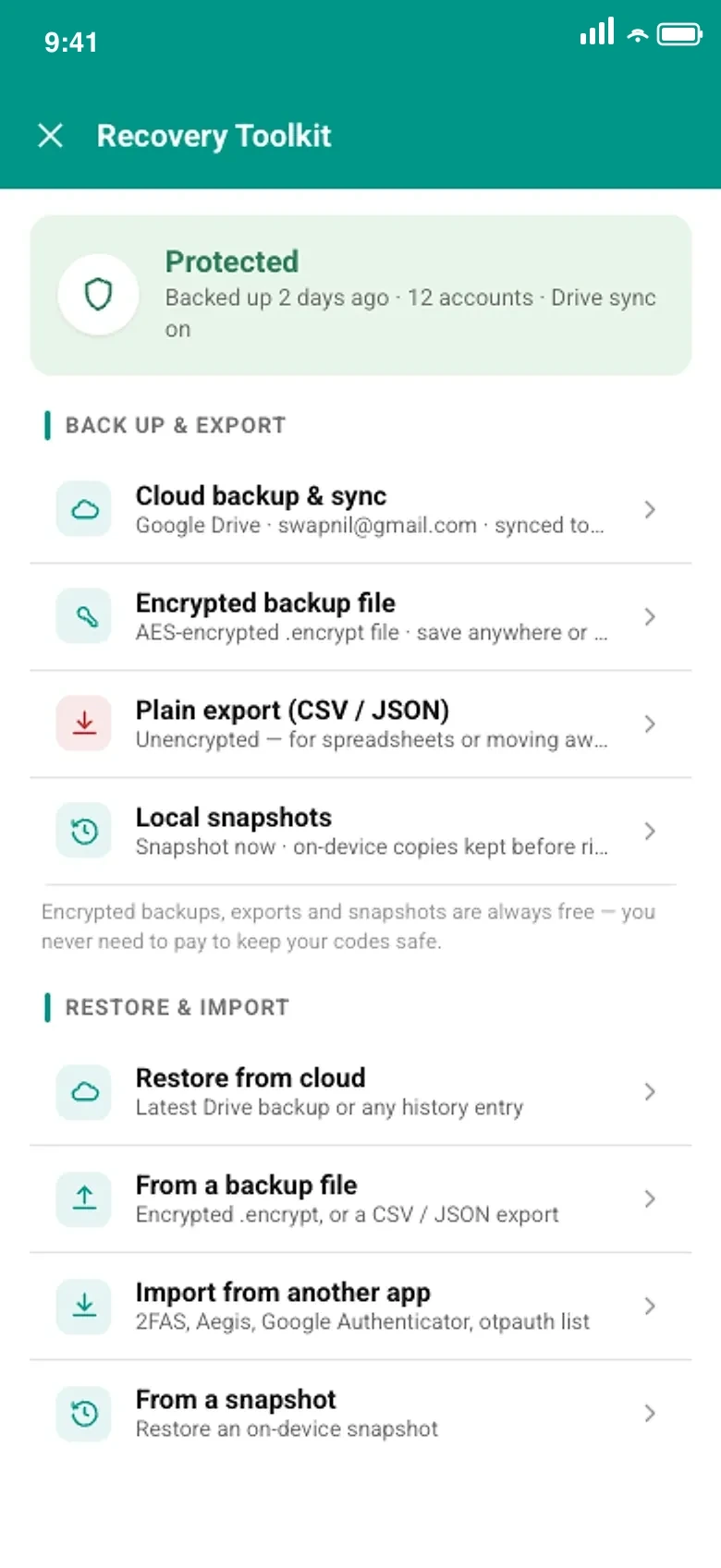
How it works
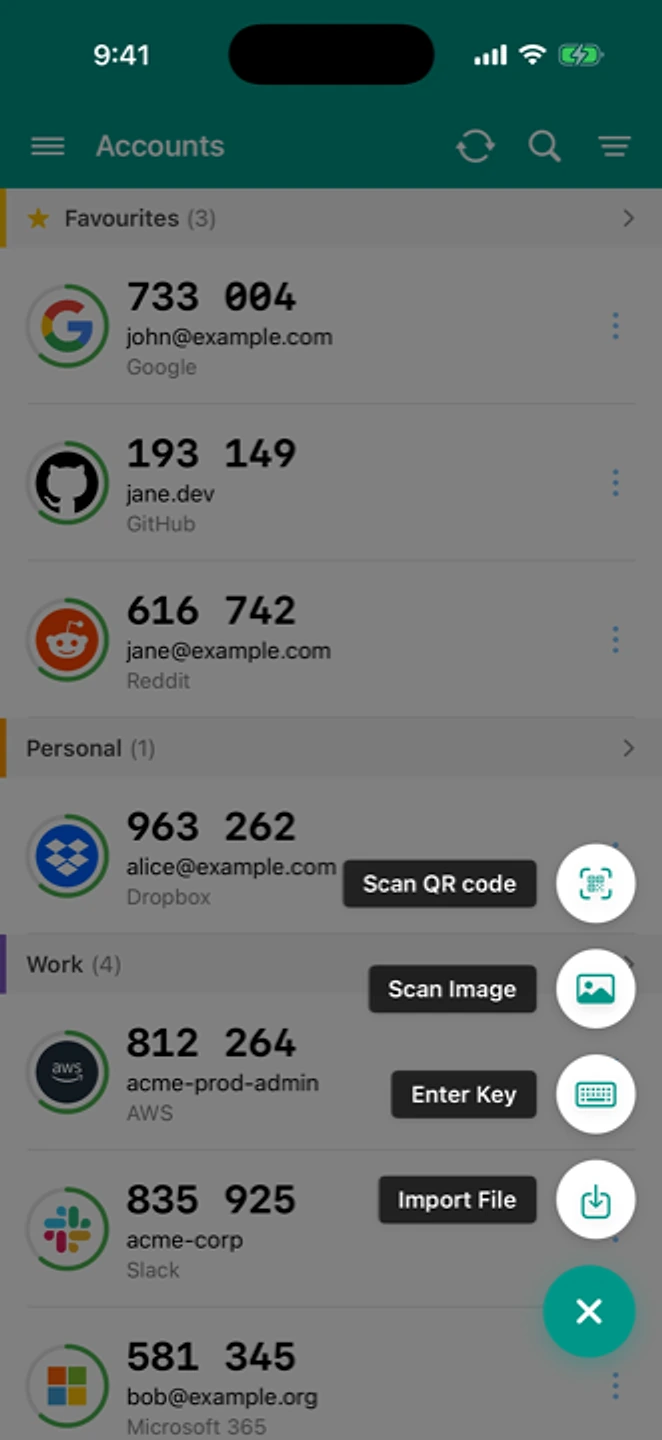
Scan any otpauth:// QR
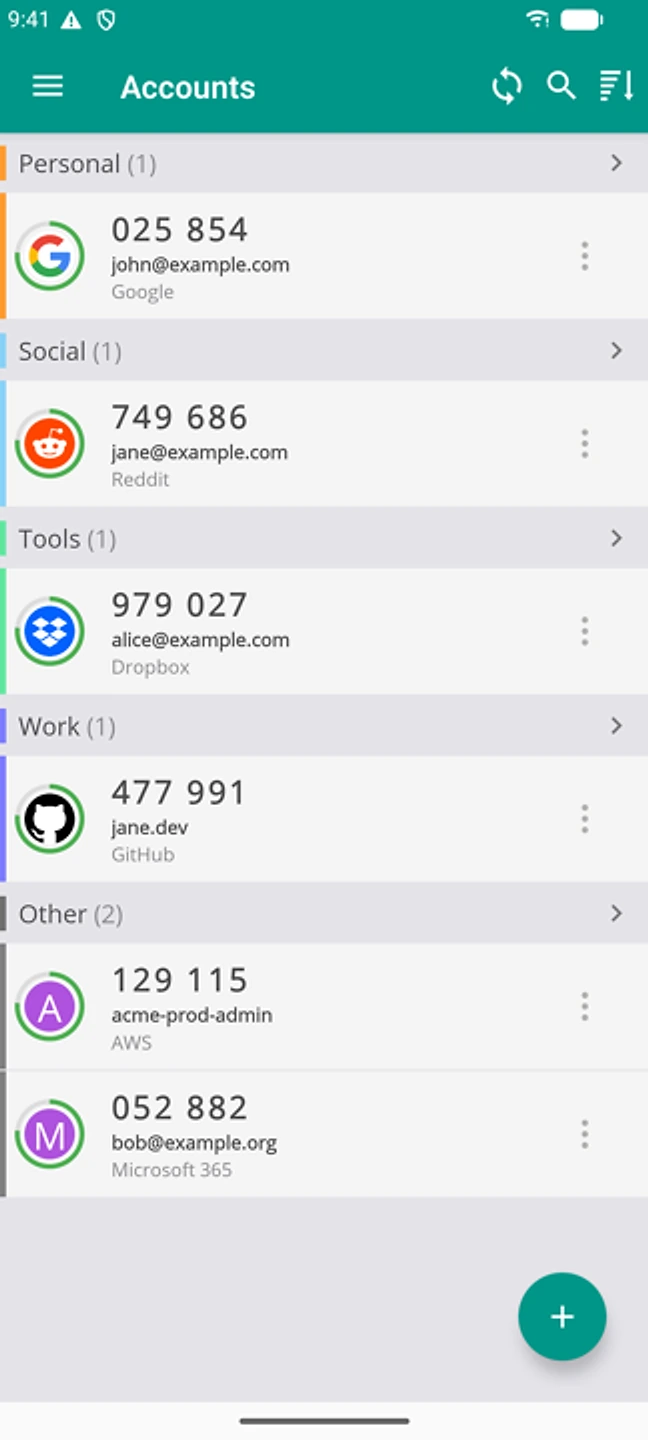
Codes generate offline
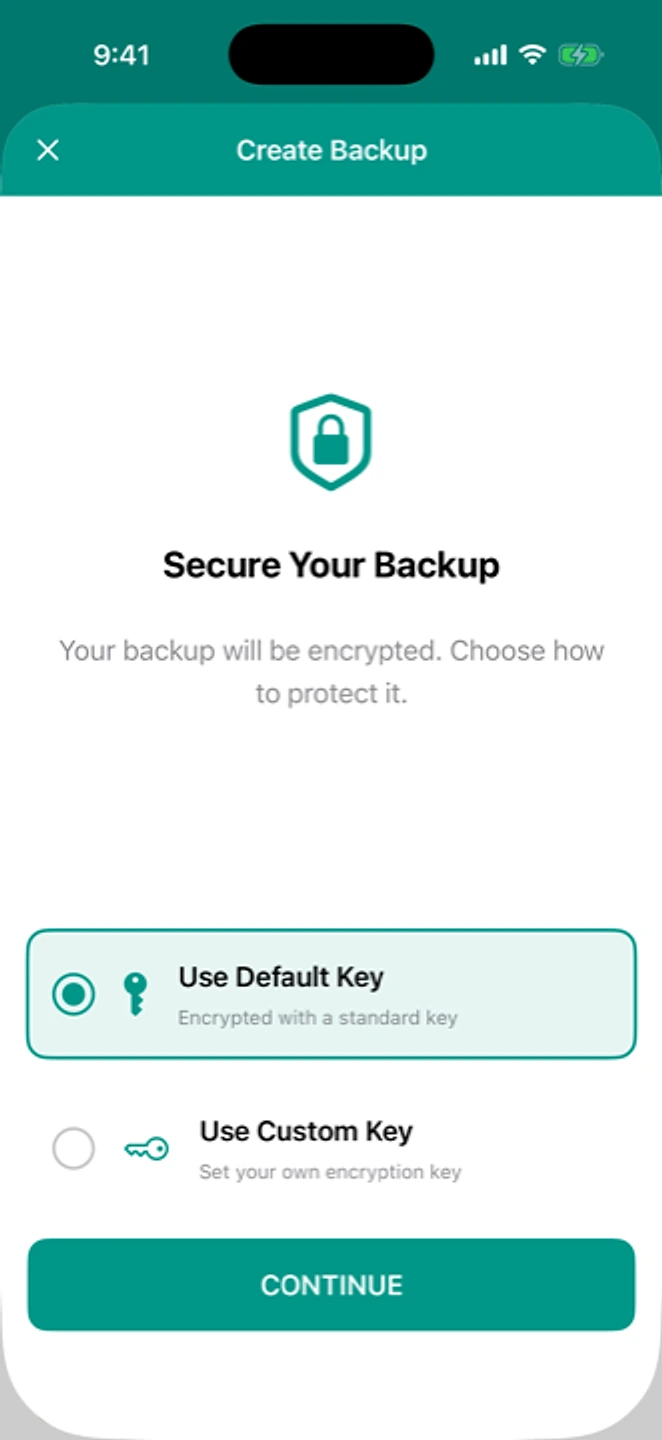
Back up before you need it
Security at a glance
Encrypted on device · We never see your secrets · Works offline · Export anytime · No phone number required How it works →
Coming from another app?
Google Authenticator Authy 2FAS Aegis Ente Microsoft Authenticator LastPass CSV import
Reviews
★★★★★
“The app is easy to use, the layout is simple. Love that I can set custom icon for my accounts.”
App Store review
★★★★★
“I wanted a TOTP authenticator that did not require me to provide personal information. Other apps kept trying to get my personal info. This one just installs and runs. Very happy with it for basic TOTP authentication.”
Google Play review
★★★★★
“Worked like a charm, many features seems to be better than Google Authenticator, specially the import/ export feature.”
App Store review
★★★★★
“It's always just worked, which is about the nicest thing you can say about an authenticator app.”
Google Play review