Switch from Aegis
Move from Aegis to TOTP Authenticator
Takes about 3 minutes · You won't lose access to anything
To switch from Aegis to TOTP Authenticator, export your vault from Aegis as a .json file and import that file directly. Every account transfers in one step, and Aegis stays installed until you've checked each code.
Steps
-
Export from Aegis
In Aegis, go to Settings → Import & Export → Export → Aegis JSON (plain or encrypted) and save the .json file. If you pick the encrypted option, remember the password.
-
Import the .json file in TOTP Authenticator
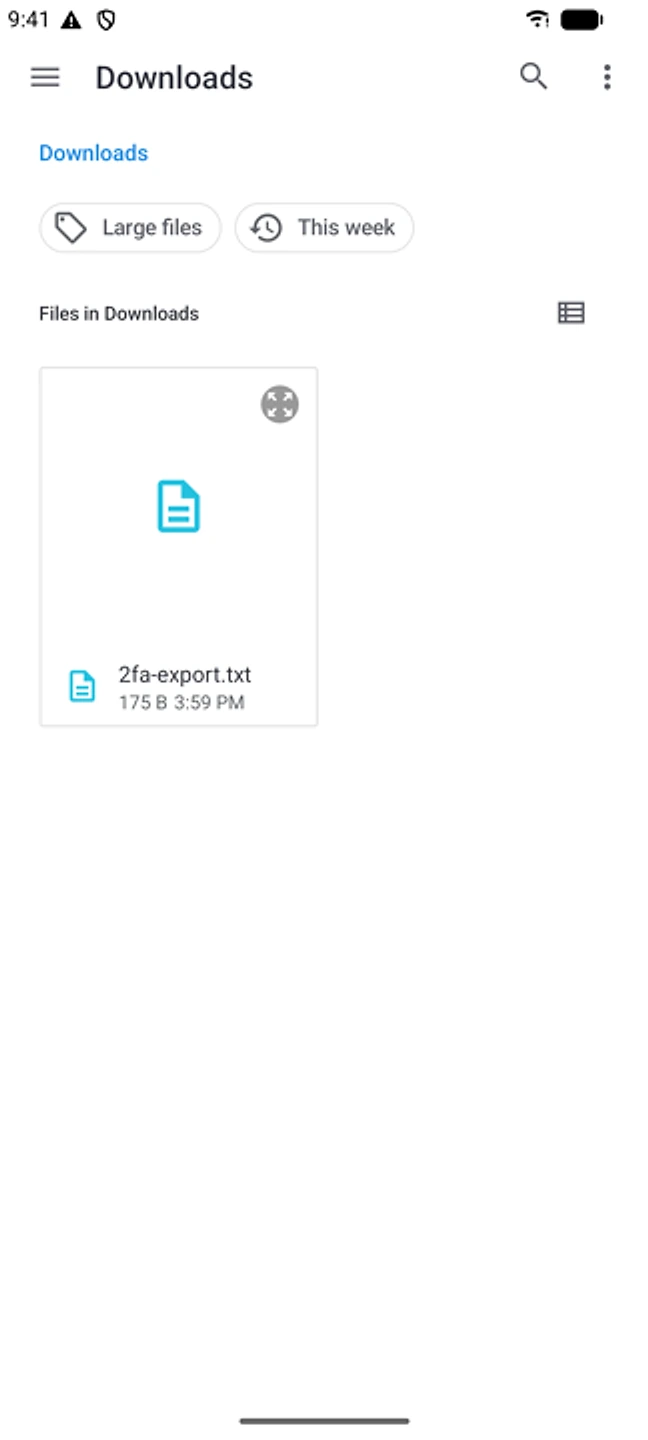
Add → Import from file, choose the .json file, and enter the password if the export is encrypted.
-
Check every code before deleting
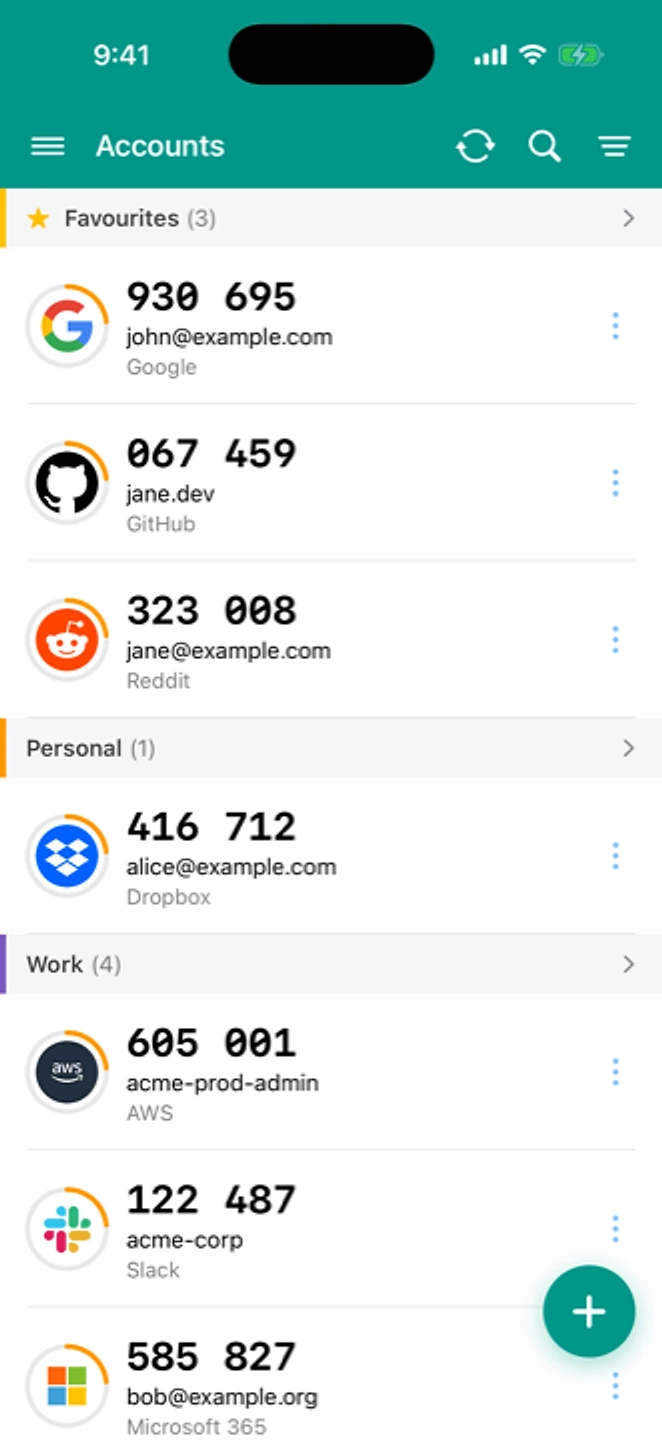
Open both apps and check that a few codes match. Then you can remove those accounts from Aegis.
If something went wrong
"The file won’t import"
Check that the file still ends in .json and that your file manager hasn’t renamed it. If the export is encrypted, try the password from the export step again.
"Some accounts didn’t import"
Add the missing ones one at a time. Aegis can show a saved entry’s QR code again (tap the entry → show QR), and you can scan that straight into TOTP Authenticator.
"Codes are rejected after importing"
Usually the phone’s clock has drifted; the import itself is fine. See how to fix clock drift
If it's still not working, get in touch. Your app version and OS are filled in already.
What's different here
Aegis is open source and free, and like TOTP Authenticator it keeps everything on your device with no account needed. That's a good part of why we support its export directly. Aegis is Android-only, though. TOTP Authenticator also runs on iPhone, and its browser extension shows your codes without unlocking your phone. Backup, restore and moving accounts by QR are free. A one-time purchase (per platform) adds Cloud Sync and browser push, see /pricing.