Wrong time / codes rejected
Quick answers
- Why are my codes suddenly being rejected?
- TOTP codes are generated from the current time, so a device clock that has drifted produces a code the service no longer accepts. Turn on automatic date & time and the codes will match again.
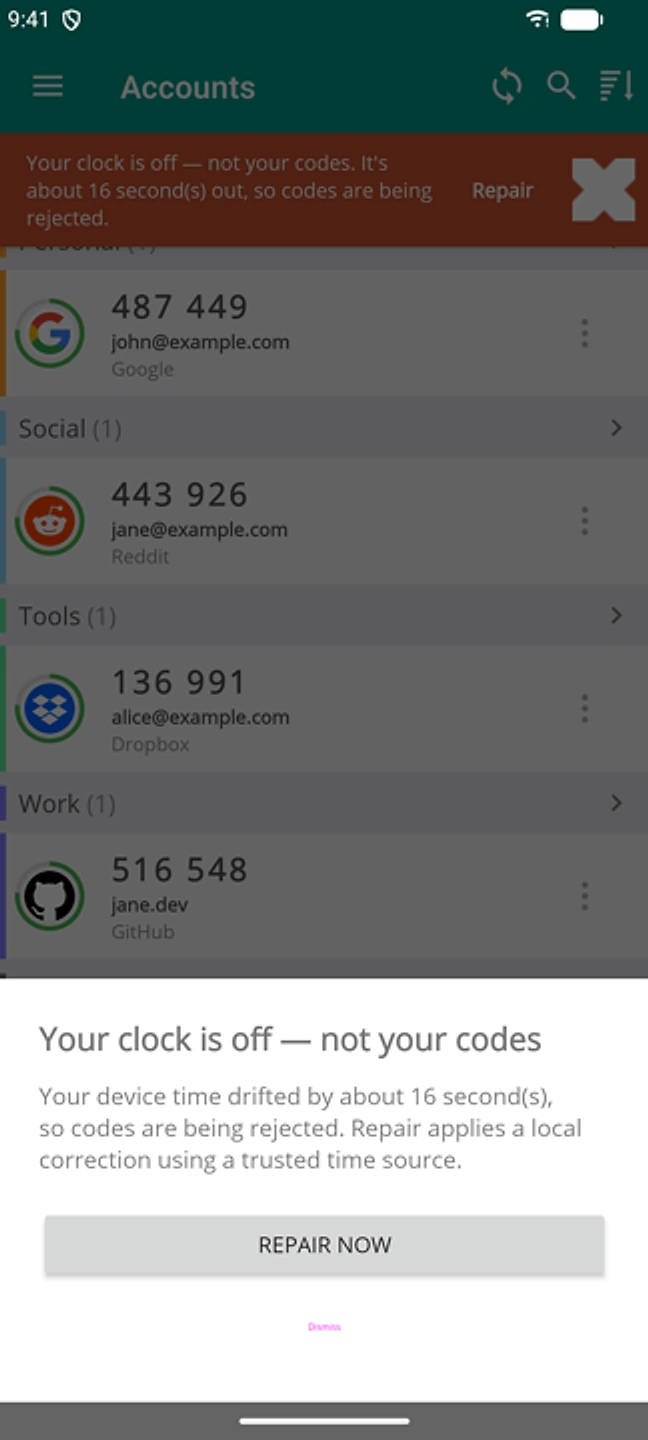
Rejected codes almost always mean your phone's clock has drifted from the correct time. TOTP codes are based on the time and change every 30 seconds. Turn on automatic date & time in your phone's settings and the codes will match again within seconds.
Symptom
"My codes were working fine but suddenly I am getting an error when entering the codes generated by the app."
Why this happens
Two-factor codes are worked out from the current time on your device (RFC 6238). The app and the service each produce the same code on their own, as long as their clocks agree. If your phone's clock is set by hand, drifts while it's off the network, or sits in the wrong time zone, the app produces a code for a time window the service isn't expecting. It gets rejected even though nothing else is wrong.
Fix
- Open your phone's Settings → Date & Time (or General → Date & Time on iOS).
- Turn on "Automatic date & time" and "Automatic time zone."
- Reopen the app. The next code should match.
- If it's still off, restart the phone once the correct time has synced.
If that didn't work
If codes are still rejected after turning on automatic time and restarting, contact support with your phone's current time and time zone. Rarely, the service's own clock tolerance may be the problem, and that needs a closer look.
Related: QR code won't scan · Getting started · Import didn't bring everything · Help centre