Import didn't bring everything
Quick answers
- Why are some accounts missing after I imported them?
- Usually the source file had an entry the app couldn't read, or a likely duplicate was skipped. Check the import summary, then add anything missing by hand with its QR code or setup key.
If some accounts are missing after an import, the source file most likely held an entry the app couldn't read, or a duplicate was skipped without telling you. Check the import summary, then add anything missing by hand with its QR code or setup key.
Symptom
"I imported my accounts but some of them are missing."
Why this happens
Import supports Google Authenticator's export QR (otpauth-migration://),
Aegis vault backups (.json), 2FAS backups (.2fas),
and plain otpauth:// lists (.txt or QR). An
entry can be skipped if it uses a field the app doesn't recognize, if it looks like a
duplicate of an account you already have, or if the source file was only a partial export to
begin with.
Fix
- Check the import summary screen. It lists what imported and what was skipped.
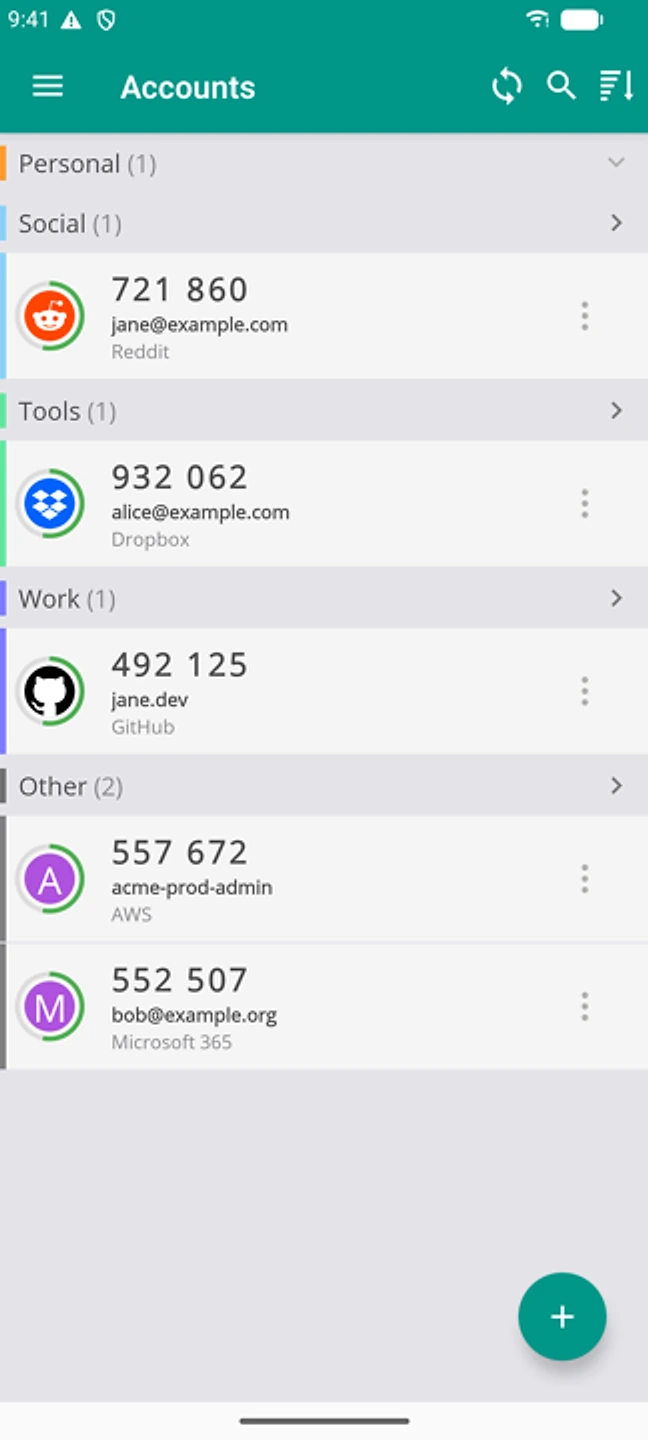
The preview counts what will import and what was skipped, before anything is added. - For anything skipped, add it by hand: open the same account in the old app to get its QR code or setup key, then use Add → Scan QR here, or type the key in.
- If you're not sure whether an account was skipped or merged as a duplicate, search for it by name first. See duplicate accounts.
- For a large import, spot-check a few codes against the source app before removing anything there.
If that didn't work
Contact support with the source app and file type you imported from.
Related: Duplicate accounts after import · QR code won't scan · Switch from Google Authenticator · Help centre