Switch from any app with a code export
Move to TOTP Authenticator from a text file or QR list
Takes about 3 minutes · You won't lose access to anything
If the app you're leaving can export its accounts as a plain list of otpauth:// codes, either a .txt file or a QR code, you can bring all of them into TOTP Authenticator at once instead of typing each one in by hand. This works for any app that produces that kind of export, not only the ones with a guide of their own.
Steps
-
Get an otpauth:// export from your old app
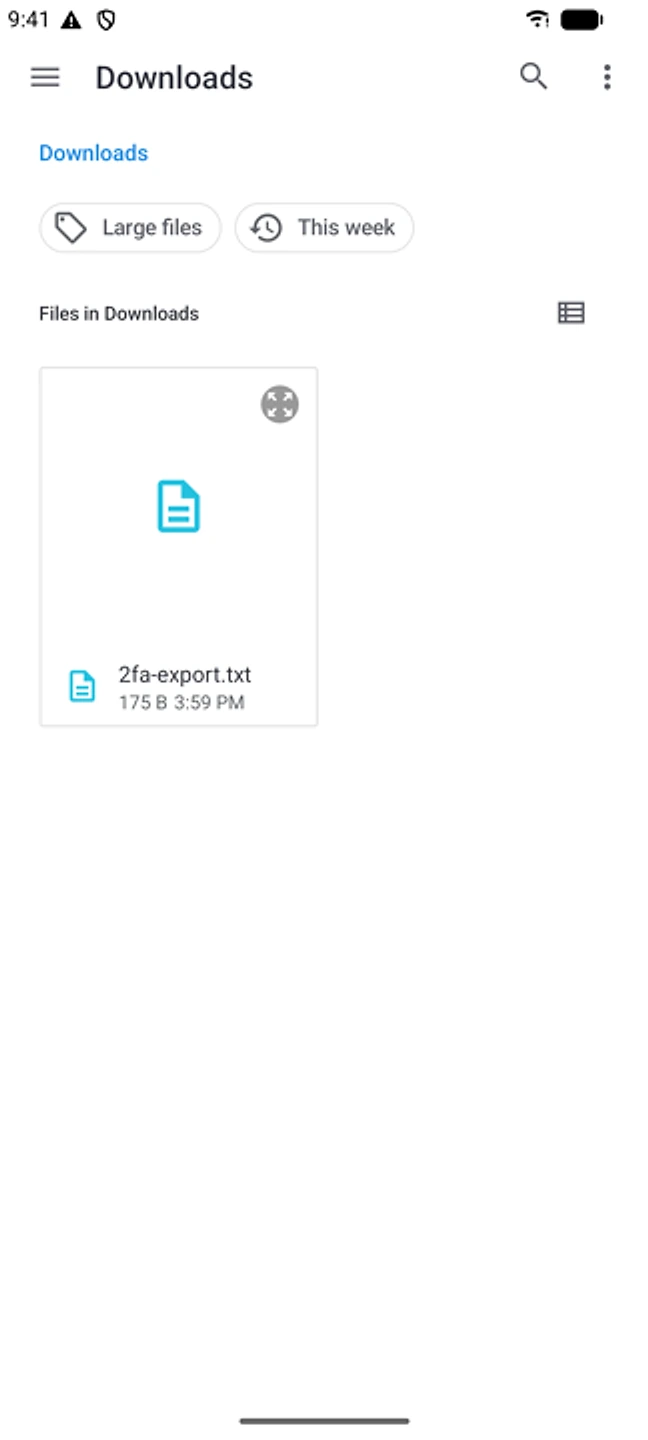
Look for "Export," "Backup," or "Show as QR/text" in its settings. The file should hold one otpauth://totp/... (or otpauth://hotp/...) line per account, or a QR code holding the same lines.
-
Import the list in TOTP Authenticator
For a .txt file: Add → Import from file. For a printed or displayed QR: Add → Scan QR.
-
Check every code before deleting
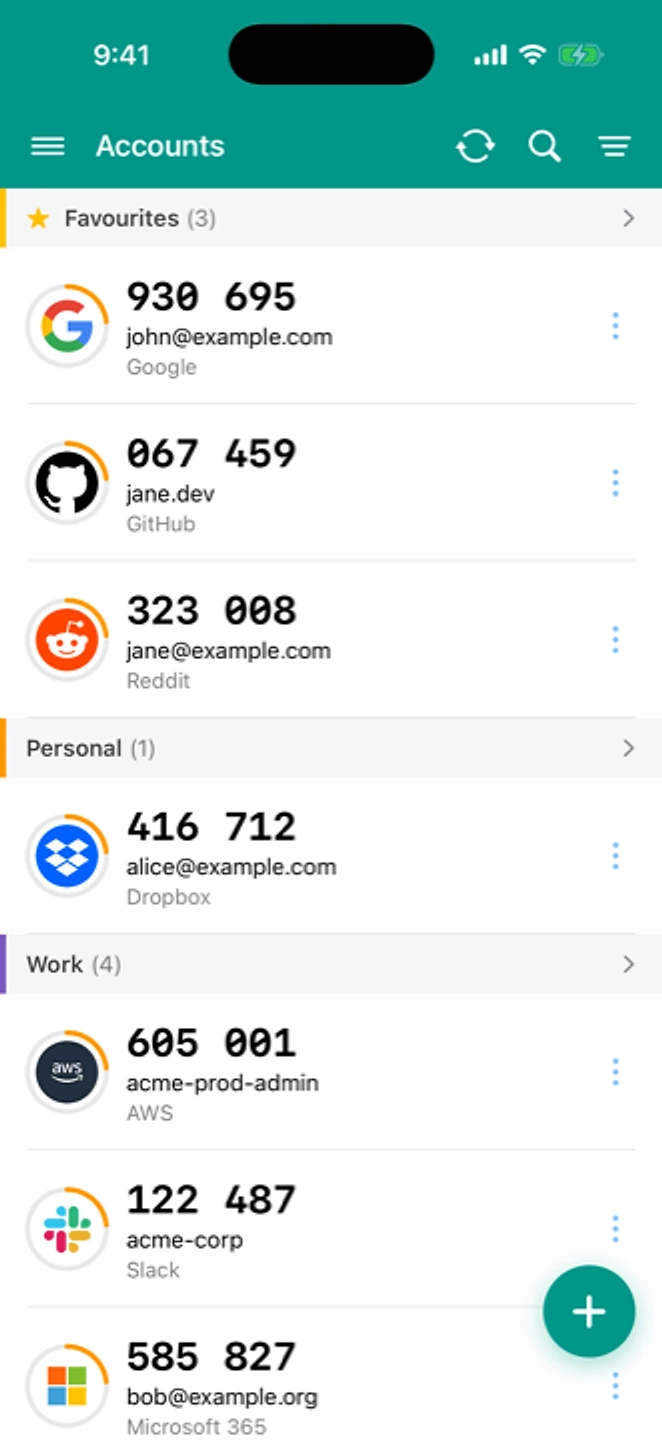
Put the two apps next to each other and check that a few codes match. Then you can remove those accounts from the old app.
If something went wrong
"My file has a different format (CSV with extra columns, or encrypted)"
TOTP Authenticator reads a plain list of otpauth:// URIs. If your export looks different, check whether the app that produced it also offers a plain-text or QR option, or use its own dedicated guide if we have one. See all app-specific guides
"Some lines didn’t import"
Each line must start with otpauth://totp/ or otpauth://hotp/. Delete any blank lines, headers, or comments the export added, and try again.
"Codes are rejected after importing"
This is usually clock drift on the phone rather than a problem with the list. See how to fix clock drift
If the import still won't go through, contact us. The form already includes your app version and OS.
Coming from a specific app?
If we have a guide for your old app, it's usually easier to follow than the general steps above: Google Authenticator, 2FAS, Aegis, Ente Auth, Authy, Microsoft Authenticator, or LastPass Authenticator. See all of them on the switch hub.