Deleting your account and data
Quick answers
- How do I delete my account and data?
- There's no central account to delete. Your codes live only on your device, and, if you bought Cloud Sync, in your own iCloud or Google Drive. Remove accounts in the app, then uninstall. Anything you synced lives in your own cloud storage, not ours.
There's no central account to delete. Your codes live only on your device, and, if you bought Cloud Sync, in your own iCloud or Google Drive. Remove accounts in the app, then uninstall. Anything you synced is deleted from your own cloud storage settings, not by us.
Symptom
"How do I delete my account and all my data?"
Why this works this way
This app doesn't run a server that stores your 2FA secrets. Cloud Sync writes an encrypted file straight to your own iCloud or Google Drive account, and the browser extension only ever holds one code at a time, in transit. So "deleting your data" means clearing it from the places it actually lives: your device, and your own cloud storage.
Fix
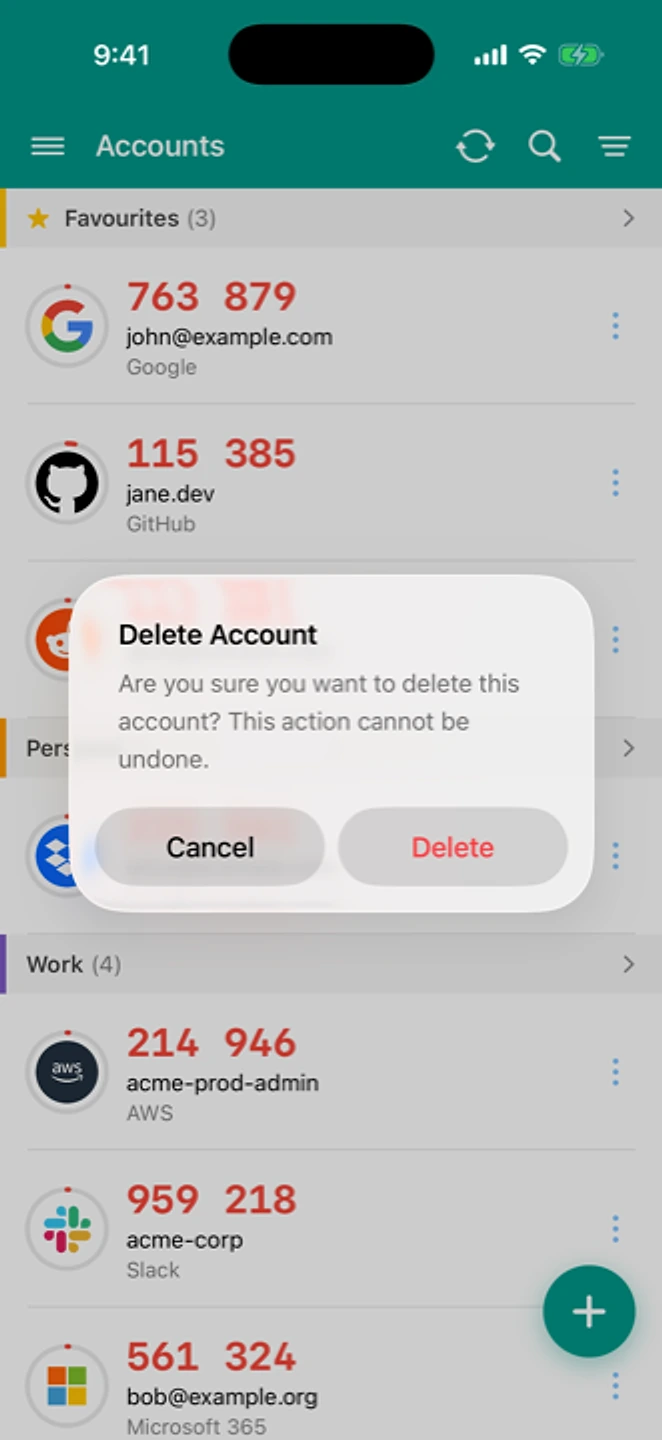
- In the app, delete individual accounts (or all of them) from the home screen.
- Uninstall the app to remove any remaining local data and backup files in its own storage area.
- If you bought Cloud Sync: open iCloud (iOS) or Google Drive (Android) directly and delete the app's sync file from your own storage.
- If you used Browser Extension push: unpair the extension from the app before uninstalling.
If that didn't work
Contact support if you think any of your data still sits somewhere we control, such as a browser-extension pairing record. We'll help you confirm it's removed.
Related: Exporting your data · Cancel or refund a purchase · Security · Help centre