Exporting your data
Quick answers
- Can I export my data?
- Yes, free, any time. Settings → Backup → create an offline backup, then Share Backup to send the file wherever you want.
Exporting is free and available any time. Create an offline backup file from Settings, then use Share Backup to send it wherever you want: another app, a cloud drive, or email to yourself.
Symptom
"How do I export my accounts / get a copy of my data?"
Why you'd do this
People export for their own records, before switching phones, or before uninstalling. Export uses the same offline backup file that Restore reads, so there's one file format to learn for both directions.
Fix
- Open Settings → Backup.
- Create an offline backup.
-
Use "Share Backup" to send the file to another app, cloud storage, or email. You can also
save it to a custom folder.
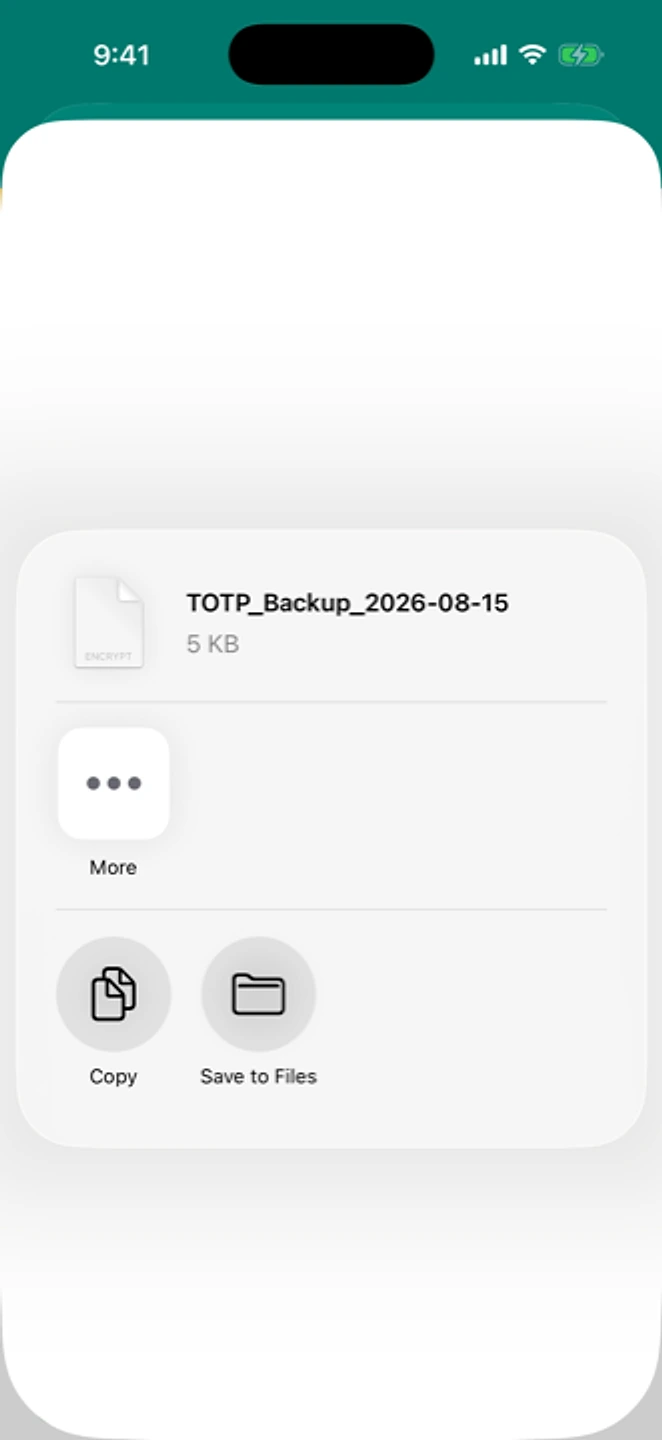
Share Backup passes the file to any app that can store it. - Keep the file somewhere you control; treat it like a password, since it can restore your accounts.
If that didn't work
If the backup itself fails to create, see backup isn't working.
Related: Backup isn't working · Deleting your account and data · Moving to a new phone · Help centre