Extension shows no codes
Quick answers
- Why does the browser extension show no codes?
- The extension only shows codes after it's paired with the mobile app and browser-extension push is purchased. It doesn't generate codes on its own. Check the pairing and the purchase status if it's empty.
The browser extension only shows codes after you've paired it from the mobile app and purchased browser-extension push. It doesn't generate or store codes on its own. Check the pairing and your purchase status if the extension is empty.
Symptom
"The browser extension isn't showing any codes."
Why this happens
Browser Extension push is a paid feature (see /pricing). It sends one code at a time from your phone to the extension, and the extension never stores your secret keys or generates codes itself. If it has never been paired, or the pairing has lapsed, it has nothing to show.
Fix
- Confirm the purchase: open the Browser Extension screen in the app and check its status. Tap Restore Purchase if needed.
- Re-pair the extension: follow the in-app steps to link it again with a fresh approval.
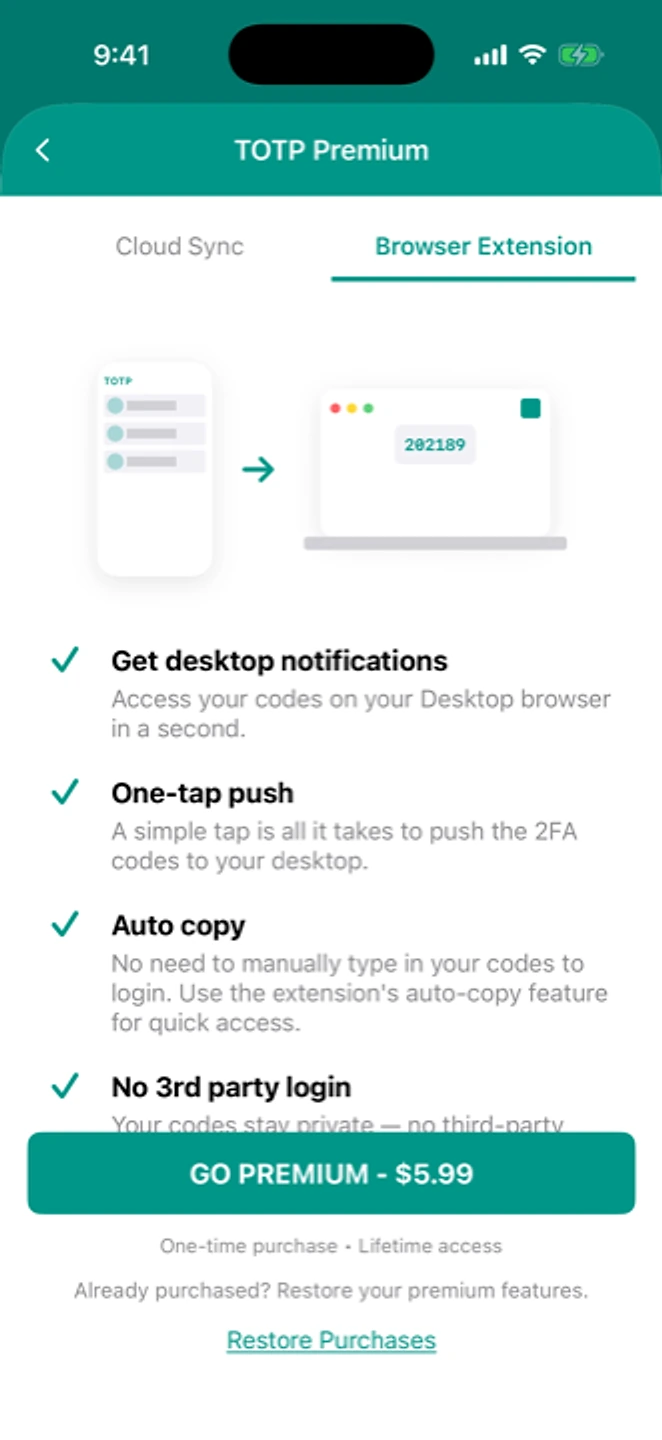
Pairing is driven from the Browser Extension screen in the app. - Push a code from the phone for the account you need. Only one code goes across at a time, and a new push replaces the last one.
- Make sure both the phone and the browser have a working network connection.
If that didn't work
Contact support with your browser and extension version.
Related: Sync conflicts between devices · I paid and the feature doesn't work · Restoring a purchase · Help centre